Choosing the best AI porn generator in 2026 is harder than it looks. Every tool promises photorealistic images, instant video, and total privacy, but the gap between marketing and output is wide: one nails skin texture and hands, another turns every face into the same plastic mannequin, and a third quietly watermarks everything until you pay. This guide compares the main ways to generate adult AI content — image, video, undress and editing, and face swap — so you can pick the right tool for the result you want.
We judged each category on the same six criteria: output quality, control, speed, privacy, pricing transparency, and watermark policy. Where a claim comes from this site’s own published testing, we link to it; prices and free limits change often, so verify numbers on the pricing page before you pay.
Quick verdict
There is no single best AI porn generator — there is a best one for each job. For realistic stills, pick a generator with strong prompt control and reference images. For video, animate a photo you already like rather than gambling on text-to-video. For undress and editing, results depend more on the source photo than on the tool. Before paying anywhere, check three things: whether the free tier is genuinely usable, whether downloads are watermarked, and what happens to your uploads. The comparison table in section 7 puts it all side by side.
In this guide
- 1. How to judge an AI porn generator: 6 checks that matter
- 2. Best for realistic images
- 3. Best for video: text-to-video vs image-to-video
- 4. Best for undress and image editing
- 5. Best for face swap
- 6. Best free options
- 7. Comparison table: every mode side by side
- 8. Pricing: what your money actually buys
- 9. Privacy and safety checklist
- 10. Honest limitations: what AI porn still gets wrong
- 11. Who should use what
- FAQ
1. How to judge an AI porn generator: 6 checks that matter
Most comparison lists rank tools by hype. Score every generator on the same six checks instead: the tool that wins on image quality can still be the wrong choice if it leaks your uploads or locks downloads behind a paywall.
Output quality. Look at hands, faces, and skin first. Bad generators hide weak anatomy with soft focus; good ones hold up at full size. Zoom into a sample at 100% before you trust a thumbnail.
Control. A generator with only a text box gives you lottery results. Control means negative prompts, reference images, seeds, and aspect ratio. For a consistent character across many images, reference images and seeds matter more than any model upgrade.
Speed. Queue times vary by time of day and plan. Our benchmark series found the same pattern every time: standard images are quick, while video and high-resolution upscales cost far more time than headline numbers suggest.
Privacy. Read the data policy before uploading a real photo: are uploads deleted, are they used for training, and can anyone else see your generations? Our privacy guide covers anonymous mode and the settings that keep generations out of public feeds.
Pricing transparency. The honest price is the cost per usable result, not per credit. A cheap credit with one keeper in ten tries costs more than a pricier credit with a higher success rate. Our pricing guide shows how to compare plans on that basis.
Watermark policy. Some tools watermark free outputs and remove the mark only on paid plans; others give clean downloads from the start. Check this before you invest hours in prompts, because a watermarked image is usually unusable for anything except a preview.
2. Best for realistic images
Realistic image generation is the most mature category, and the difference between good and bad is easiest to see here. The best tools keep the face consistent when you change the pose, render skin with texture instead of plastic smoothness, and let you fix a bad hand or background without starting over.
Prompt craft matters as much as the model. Name the lighting, camera angle, and setting in plain words; keep the subject short; and put everything you do not want — extra fingers, warped faces, background text — in the negative prompt. Our prompt-writing guide and the 70 ready-to-use prompt collection are good starting points, and the negative-prompt recipes fix the most common defects without trial and error.
Style is a real choice, not a default. Realistic images fail on anatomy, anime fails on hands and text, and 3D fails on skin. Our style comparison tests the same concepts across all three.
For still images, start with the AI porn generator and a reference photo when you have one. If the face drifted, change the seed before you change the prompt — most drift is sampling noise. Our character-consistency guide covers the full workflow.
3. Best for video: text-to-video vs image-to-video
Video is where expectations and reality diverge most. Text-to-video is the least predictable mode: the model invents the person, the room, and the motion all at once, so the same prompt can produce a great clip and an unusable one back to back. Image-to-video is the safer bet, because you start from a still you already like and only ask the model to animate it.
The practical workflow is: generate the still first, check the face and hands at full size, and only then animate it. Keep the motion prompt short — one action, one camera move. Long motion prompts are the main reason clips come back with morphing faces. Our video-generator workflow guide walks through this step by step.
Video also costs more per result than images, in credits and waiting time. Start with a 5-second test: it tells you whether the motion holds up before you spend credits on a longer render. Plan longer output as several short clips, not one long generation.
Try it on the AI porn video generator, and compare the result against the still you started from. If the face changes between the first and last frame, the motion prompt is too ambitious — simplify it and try again.
4. Best for undress and image editing
Undress and editing tools are the most misunderstood category. The result depends far more on the source photo than on the tool: a sharp, well-lit, front-facing photo edits cleanly, while a dark or angled photo produces artifacts no tool can fix. If a result looks wrong, the first fix is a better input photo, not a different tool.
Good editing tools share one feature above all: inpainting. Repainting one region — a hand, a strap, a background — without regenerating the whole image is what turns a near-miss into a keeper. Tools that only regenerate the full image force you to gamble the parts that were already right.
Use the AI undress tool with a clear, high-resolution input, and keep expectations honest: the output is an AI interpretation, not a photograph. Only edit images you have the right to edit, and never generate non-consensual imagery of a real person.
5. Best for face swap
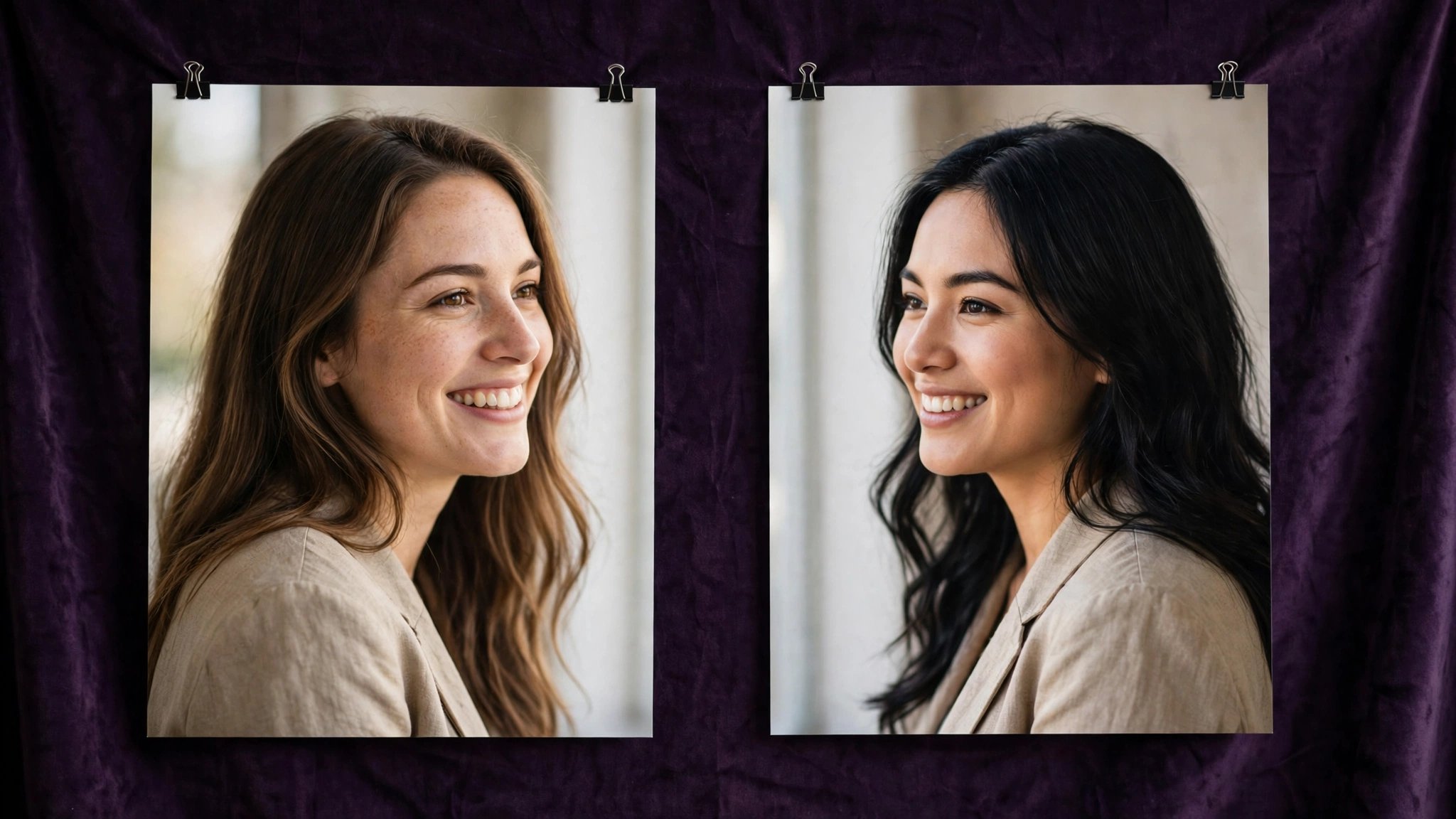
Face swap is the most narrowly useful tool here, and the one with the clearest quality test: does the swapped face keep the target photo’s lighting, angle, and expression, or does it paste a flat front-facing face onto a turned-away body? The best results come from matching source and target photos — similar angle, lighting, and expression — before you run the swap.
Video face swap is harder, because the face has to track across frames. Test on a short clip first, and expect the swap to break on fast head turns and profile shots. Start with image face swap if you have never done a swap before.
The consent rule is absolute here: face swap must only be used with photos you have the right to use, and never to create non-consensual imagery of a real person. That is not a policy footnote — it is the line that separates a creative tool from abuse, and it applies to every tool in this guide.
Try it on the AI image face swap tool, or the AI video face swap tool for clips.
6. Best free options
Free tiers are genuinely useful for learning, but they are designed to convert you to paid, so read the limits before you plan a project around them. The three limits that matter are: how many free generations you actually get, whether free downloads are watermarked, and whether free outputs are lower resolution or slower in the queue.
On this site, the free plan is the honest place to start — our free-plan guide lists exactly what it includes, and the no-signup page lets you try the image generator without an account. Pay only when you know which mode you will actually use.
For a full rundown of free tools elsewhere, see our comparison of the best free AI porn generators of 2026. The short version: free is best for testing and learning; paid is best when you have a specific project and a deadline.
7. Comparison table: every mode side by side
| Mode | Best for | What to watch | Start here |
|---|---|---|---|
| Image generation | Realistic stills, anime, 3D, character work | Hands, face drift, watermark on free tier | Image generator |
| Video generation | Animating a still you already like | Face morphing, cost per clip, render time | Video generator |
| Undress & editing | Fixing or reworking one photo | Input photo quality, inpainting support | Undress tool |
| Face swap (image) | Matching a face to a new photo | Angle and lighting match, consent | Image face swap |
| Face swap (video) | Short clips with a steady face | Tracking breaks on fast head turns | Video face swap |
| Upscaling | Rescuing a good small image | Over-sharpened skin, slow renders | Image upscaler |
8. Pricing: what your money actually buys
The only honest way to compare prices is cost per usable result. A plan that looks cheap per credit can be expensive if only one generation in ten is worth keeping. Before paying, generate a few free results and count your keepers.
On this platform, credit packs start at $19.99 for 1,000 credits, with larger packs at $59.99 for 5,000 credits; annual plans are prepaid and release credits monthly. Those are list prices — check the pricing guide on this site for current numbers, because prices change. Video costs more per result than images, and upscaling is charged separately, so budget video and 4K output as their own line items.
Three pricing traps to avoid: subscriptions that renew silently, credits that expire before you use them, and “unlimited” plans that throttle speed after a quota. Prefer a small first purchase over a large annual commitment until you know your actual usage.
9. Privacy and safety checklist
- ✓ Use anonymous or guest mode when you are only testing, and check whether generations are public by default.
- ✓ Read the data policy: are uploads deleted, are they used for training, and who can see them?
- ✓ Never upload photos of real people without their consent, and never generate non-consensual imagery.
- ✓ Keep payment details off adult sites where possible — use a separate card or payment method.
- ✓ Clear downloads and browser history on shared devices, and use private browsing on shared machines.
- ✓ Check the watermark and download rules before investing hours in prompts.
For the full version of this checklist, including the legal notes, see our safety guide and the privacy guide on anonymous mode and data policy.
10. Honest limitations: what AI porn still gets wrong
No generator in this guide is good at everything, and the failure modes are consistent across tools. Hands are still the most common defect, followed by faces that drift between images, text that renders as gibberish in the background, and anatomy that breaks at unusual angles. Negative prompts fix some of this; the rest is a limit of current models, not a settings problem.
Video has its own limits: faces morph over long clips and hands melt during motion. If a tool promises perfect consistency across a full video, treat that as marketing.
Finally, AI output is not a photograph. Even the best results carry small tells — too-perfect skin, odd jewelry, background details that do not quite resolve. Check every keeper at full size before you use it anywhere.
11. Who should use what
Complete beginners: start with the image generator and the beginner walkthrough. Generate stills first, learn negative prompts, and only then try video.
One good image: use reference images and seeds, and budget for several tries. One keeper in five attempts is normal while you are learning.
Video creators: build the still first, animate second, keep clips short. Budget more credits and time than the image workflow.
Editors: undress and inpainting tools are your main tools. Invest in good input photos — they matter more than the tool choice.
Privacy-first users: check anonymous mode, the data policy, and watermark rules before uploading anything. If a tool will not say what happens to uploads, do not upload to it.
FAQ
What is the best AI porn generator in 2026?
There is no single winner. Image generators lead for realistic stills, image-to-video leads for clips, and dedicated undress and face-swap tools lead for editing. Use the comparison table in section 7 to match the mode to your goal.
Are free AI porn generators worth using?
Yes, for testing and learning. Free tiers let you check quality, speed, and the interface before paying. Check watermark and resolution limits first — free outputs are sometimes watermarked or lower resolution.
Is AI-generated porn legal?
AI-generated adult content featuring fictional adults is legal in most places, but laws differ by country and state, and non-consensual imagery of real people is illegal almost everywhere. Read our safety guide’s legal checklist before generating anything involving a real person’s likeness.
How do I keep the same character across images?
Use a reference image and a fixed seed, and change one thing at a time. Our character-consistency guide explains the workflow, including what to do when the face drifts.
Why do my AI porn images look fake?
The usual causes are over-smooth skin, wrong hands, and flat lighting. Add skin texture and specific lighting to the prompt, use negative prompts for common defects, and check the image at full size — thumbnails hide defects that full-size viewing reveals.
Can I use AI porn generators without signing up?
On this site, yes — the image generator offers a no-signup trial. Other tools vary: some require an account for any generation, and some require payment before the first download. Check the free-plan guide for what is included here.
Final verdict
Start with the job, not the tool. For realistic stills, learn prompt control and negative prompts. For video, animate a still you already like. For editing or swapping, match your input photos first and check the consent rules. Test the free tier, check the watermark and privacy terms, and count your cost per keeper before you pay. The best generator of 2026 is the one that gives you usable results at a price and privacy level you can live with.
Ready to try? Open the AI porn generator and generate your first image — or browse the full tool list to pick the mode that fits your project.